
Brand Studio can come first.
Start from a brief or supplied logo without an existing shared business record. Build and approve the identity, then publish a version into Business Intelligence.
Desynagent is an AI design agent for brands by Destiv AI. Build a brand or bring the one you have, then create images, infographics, catalogues and digital experiences from the same Brand Data.
Join the waitlist
Desynagent brings brand, image, infographic, catalogue, and web agents together around your Brand Data. The proposed Business Intelligence connection lets that approved knowledge support other Destiv agents too.
See what your team can makeSTART WITH THE IDENTITY
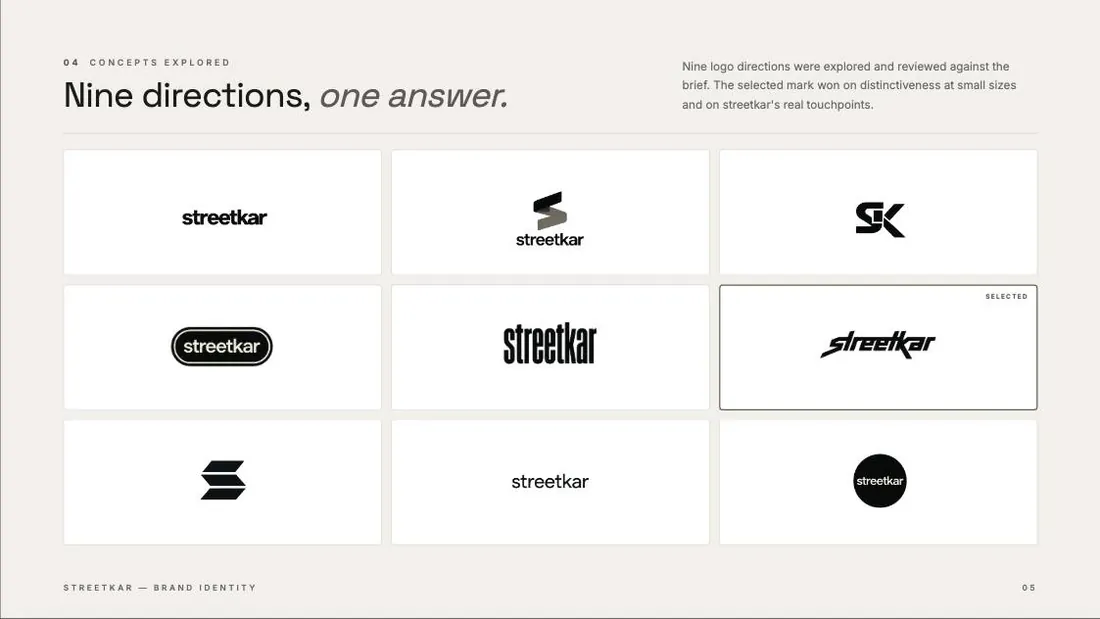
Start with a brief or your existing logo. Explore directions, choose the one that feels right, and build the visual language around it. Your brand then becomes the reference for everything the team creates.
Explore Brand Studio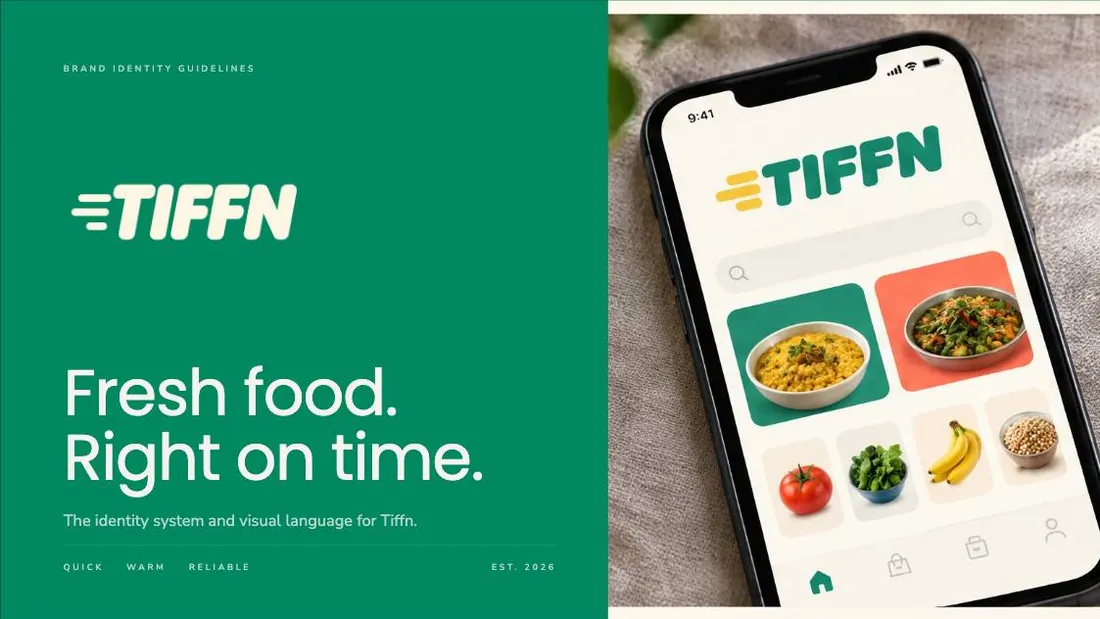
Brand DNA is more than a visual reference. Together with business information, approved tone, Brand.md, Design.md and operating policies, it forms the proposed shared context behind Desynagent, Destoflow and custom ERP agents.
Explore the interactive architectureProduct vision and proposed connections, not a live sync status.
Start from a brief or supplied logo without an existing shared business record. Build and approve the identity, then publish a version into Business Intelligence.
Approved facts and design rules guide product images, infographics, catalogues, websites and app concepts. Existing business context can also seed new creative work.
Destoflow uses relevant context to discover and qualify leads, then support knowledgeable conversations in the business’s voice. New knowledge is reviewed before it becomes shared data.
Custom ERP agents retrieve approved procedures and policies alongside authorized live records. Operational data and permission-controlled actions remain in the ERP.
Brand Studio sets the direction. The rest of the workspace carries it into visual content, collections, and digital experiences.
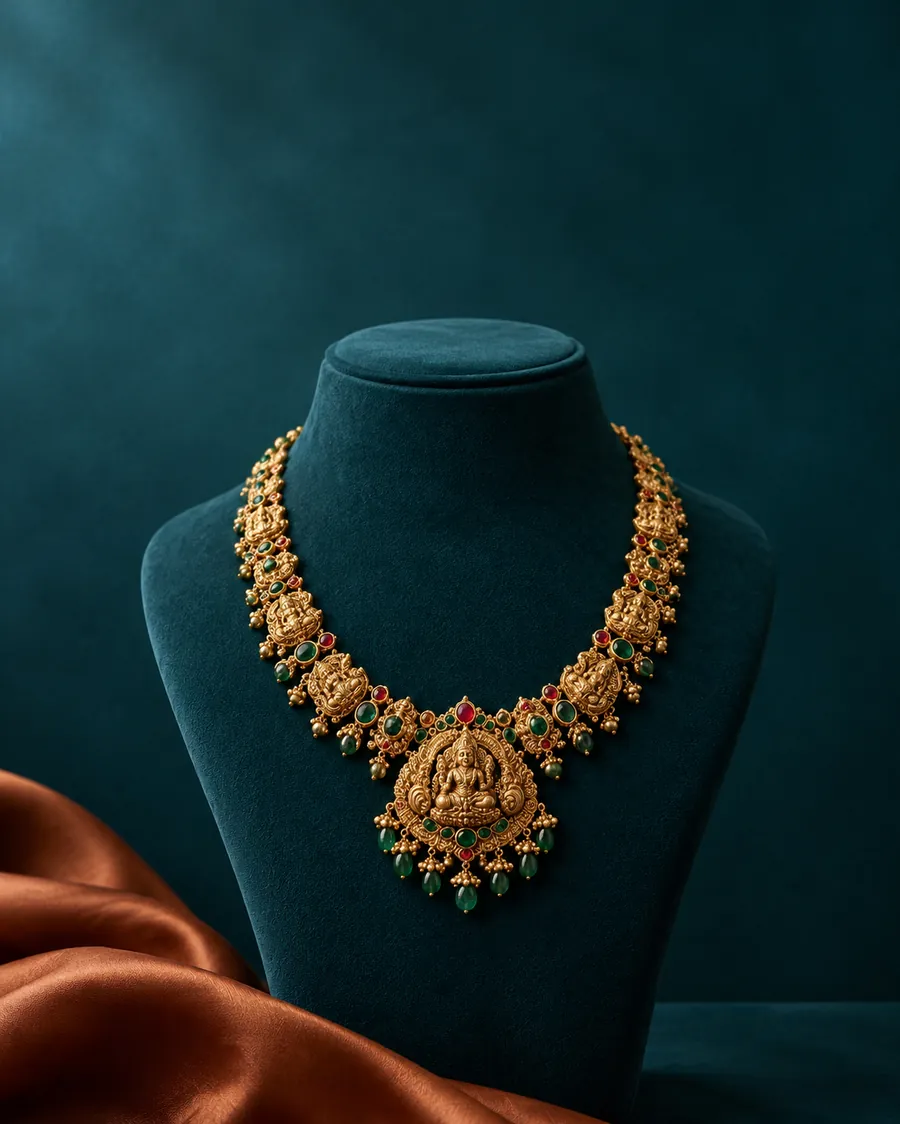 01 / IMAGE STUDIO
Create one image or work across a whole product range. Keep the results together in your gallery.
 02 / INFOGRAPHICS
Turn product features and benefits into branded visual stories, individually or in batches.
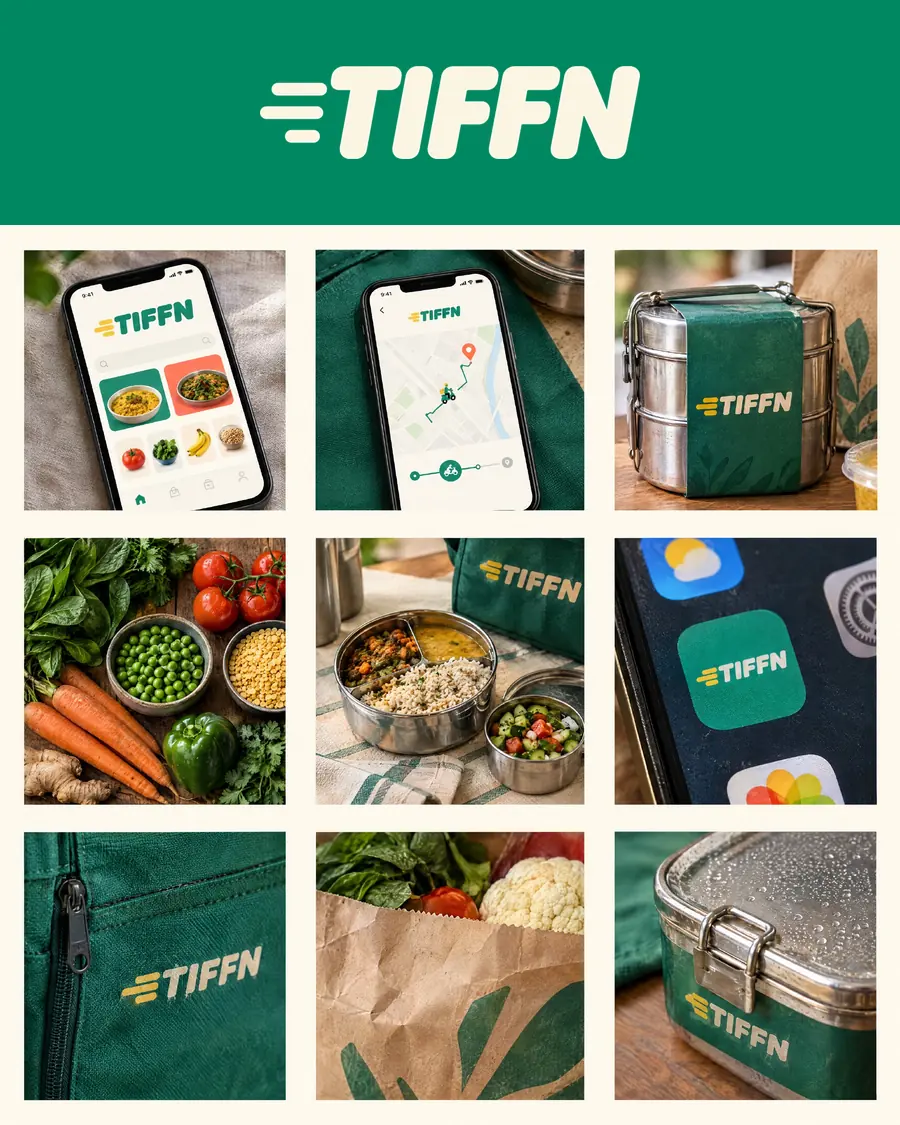 03 / BRAND STUDIO
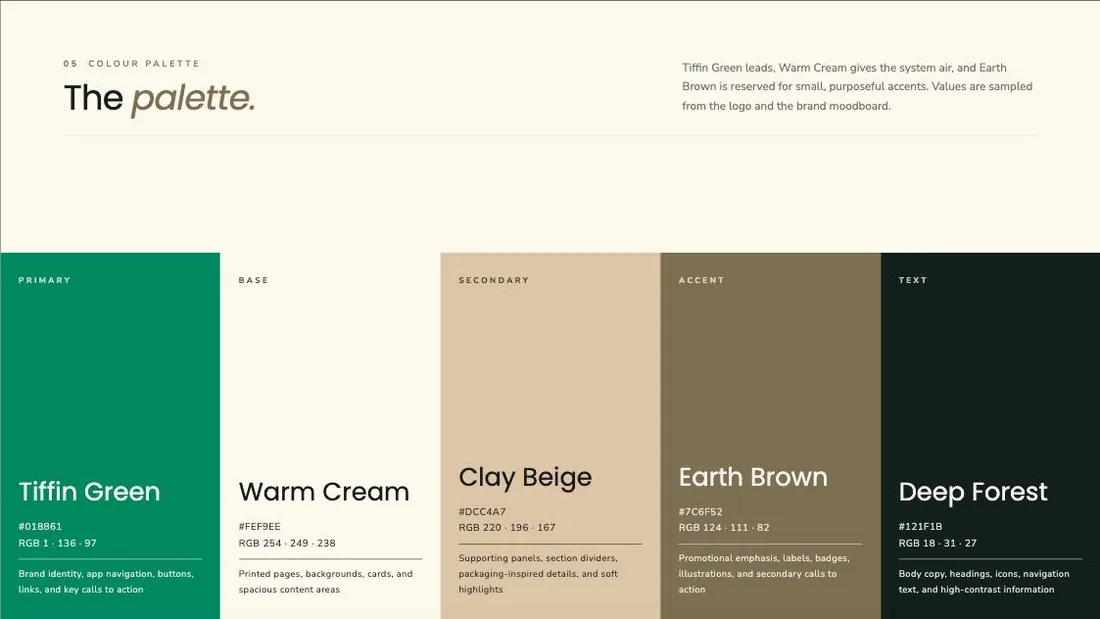
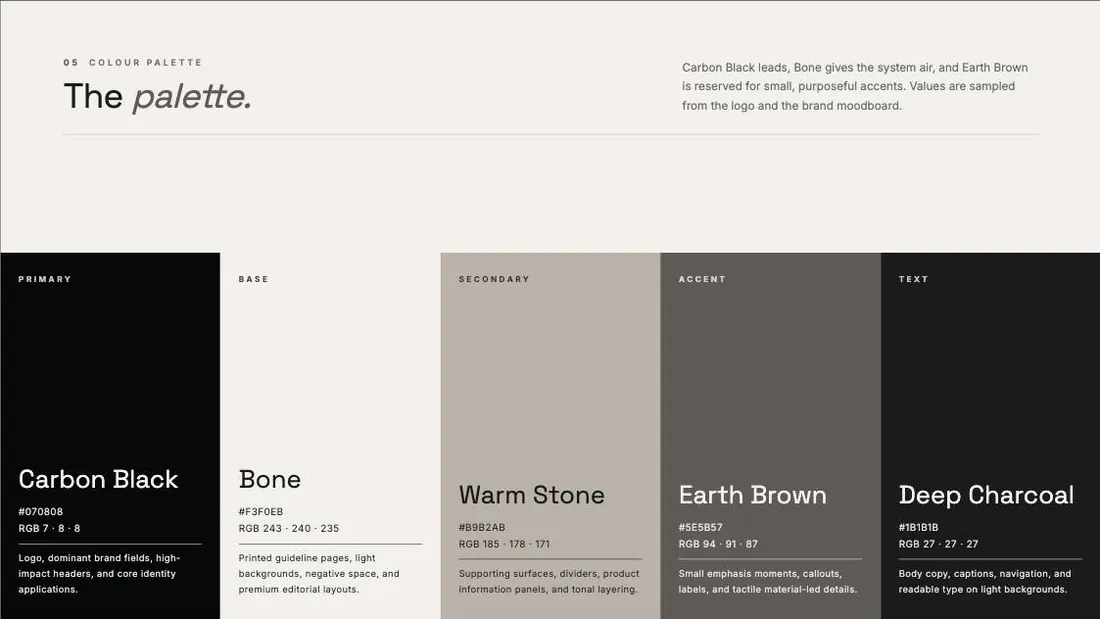
Logo directions, moodboard, colour, type and a brand book, built once and reused everywhere.
 04 / DESIGN STUDIO
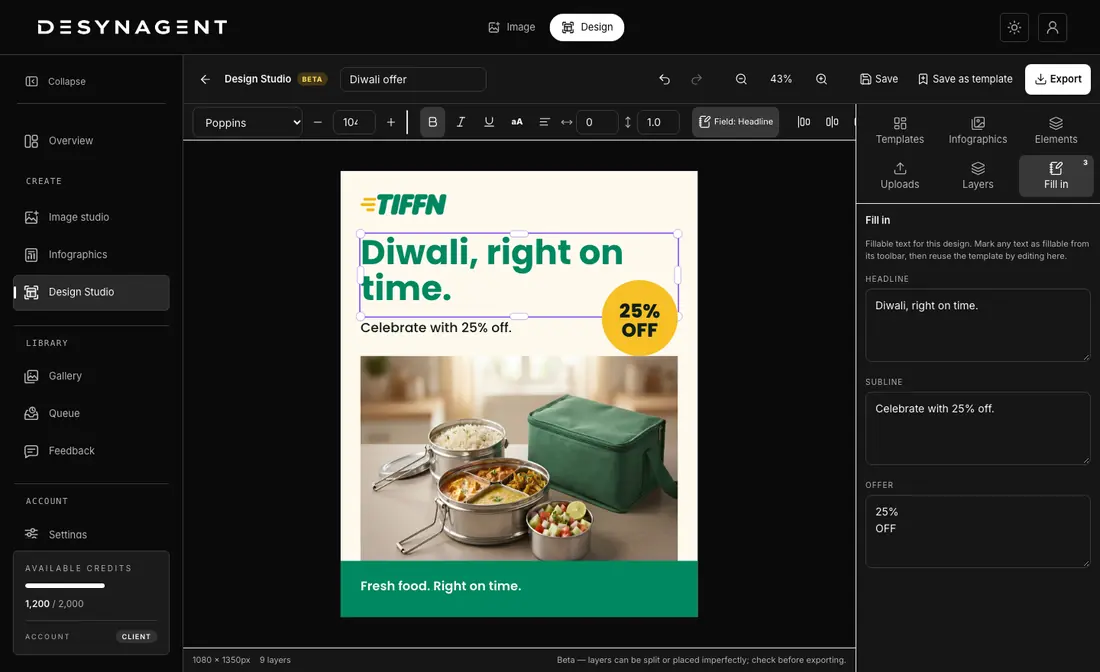
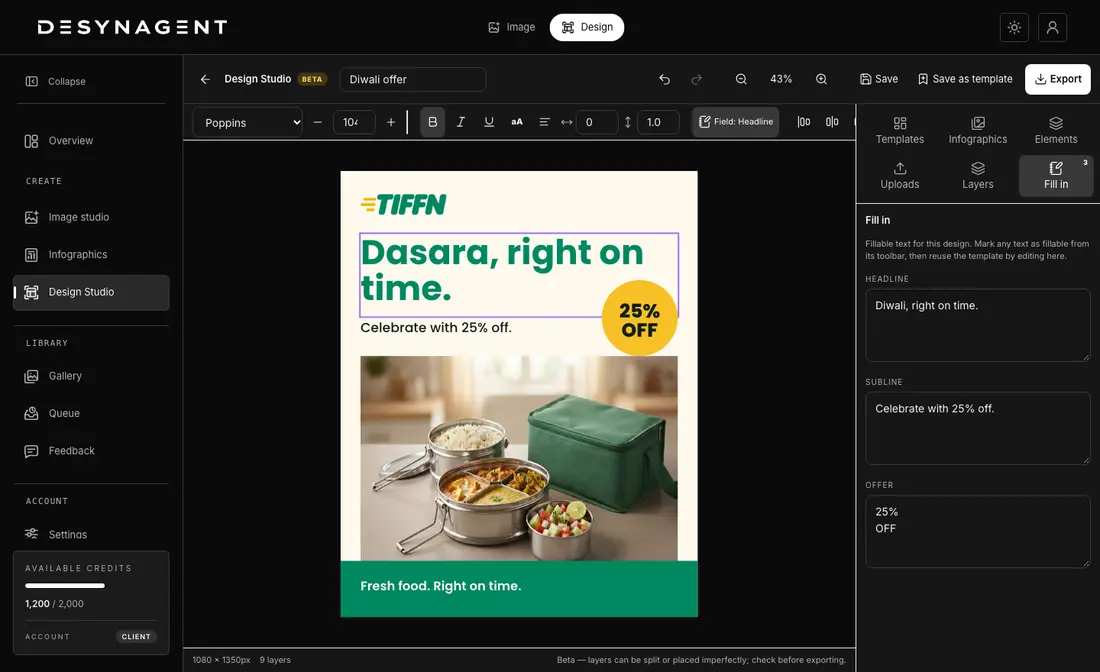
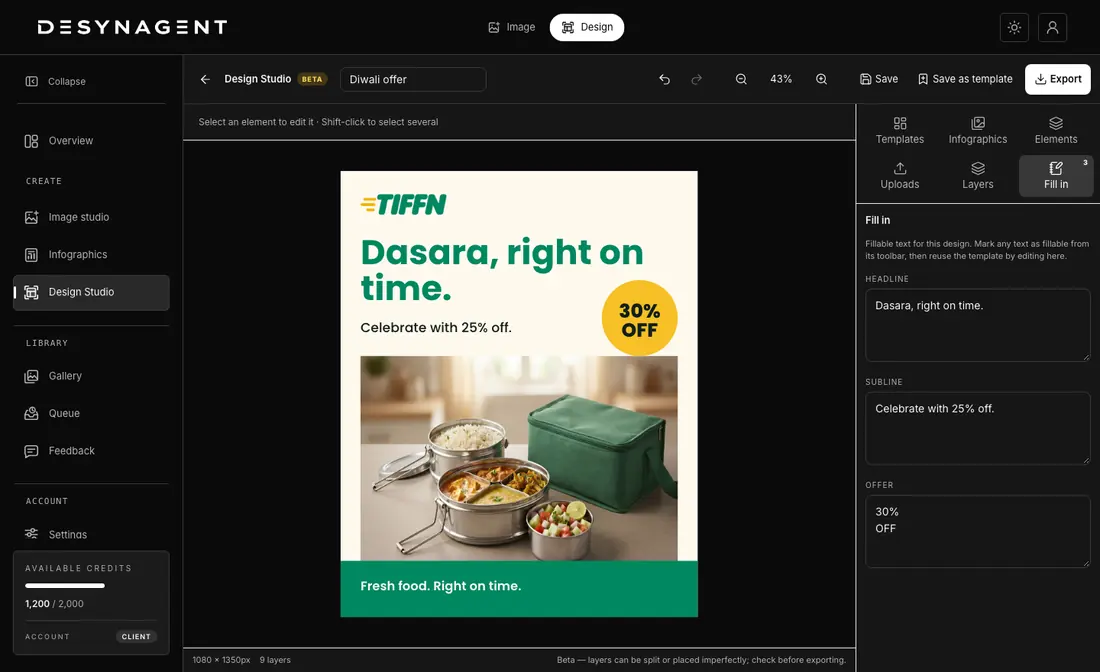
Open any visual in the editor, change the words, reposition elements and keep the look.
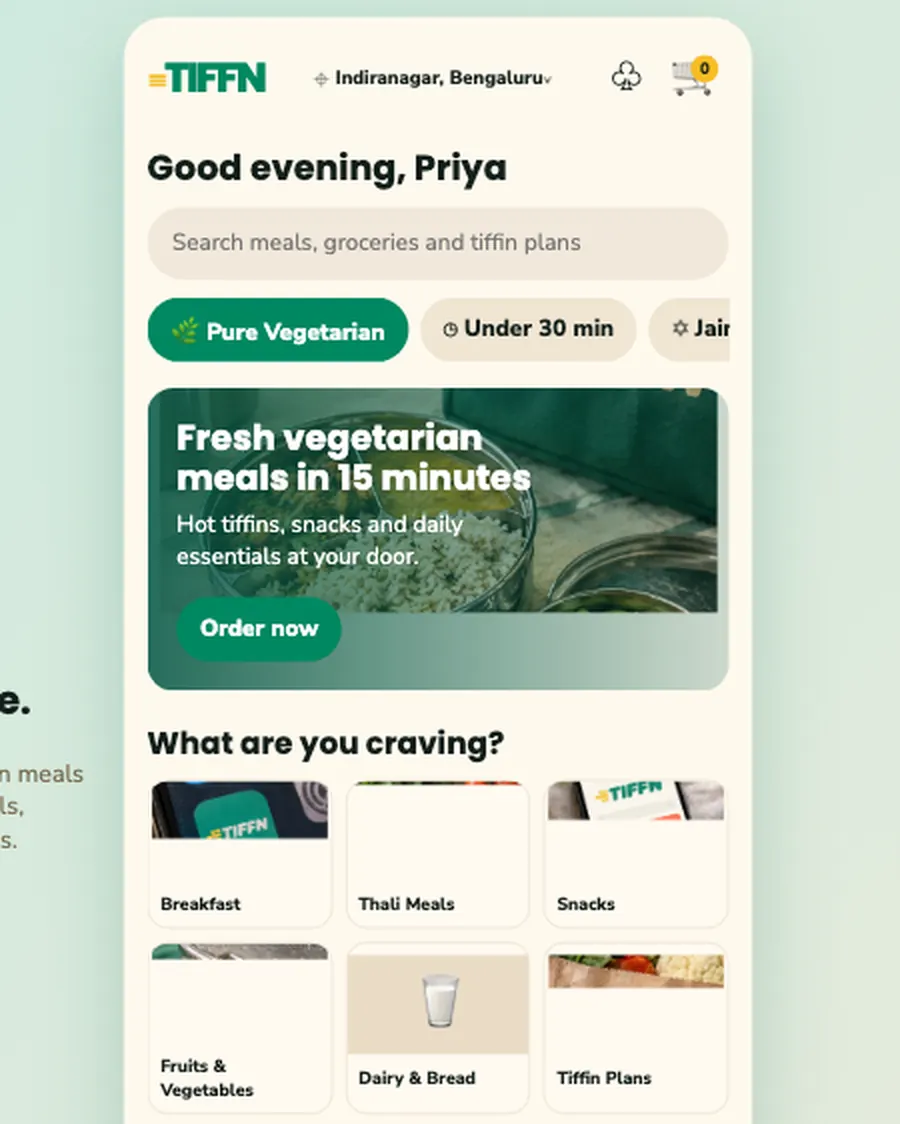 05 / UI STUDIO
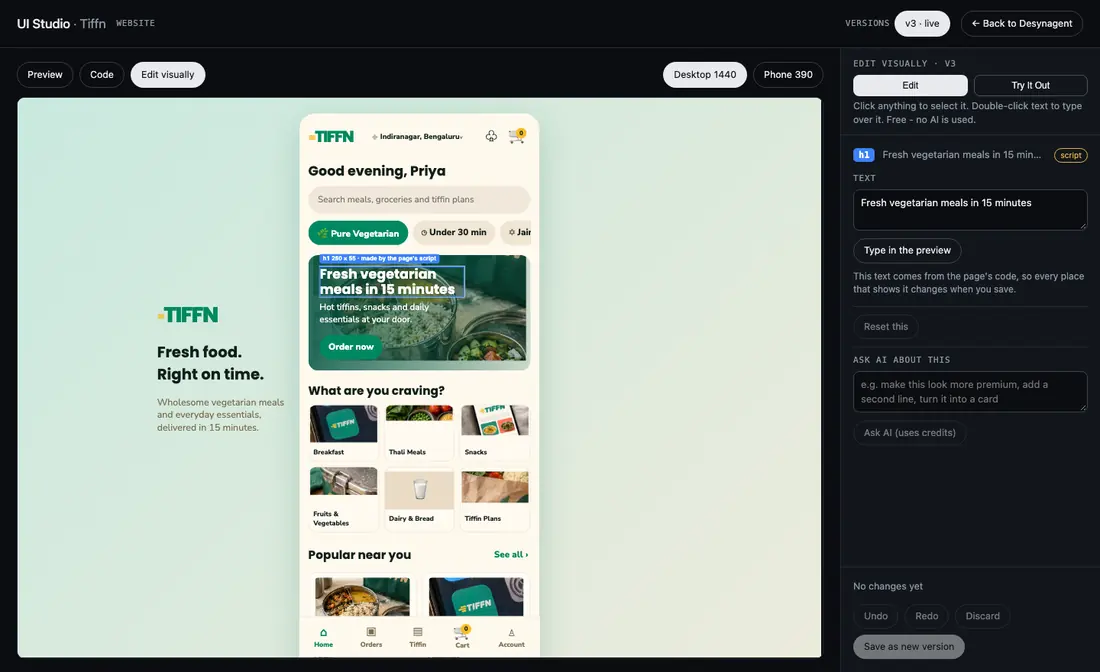
Design website pages or app screens, approve the direction, and develop a working prototype.
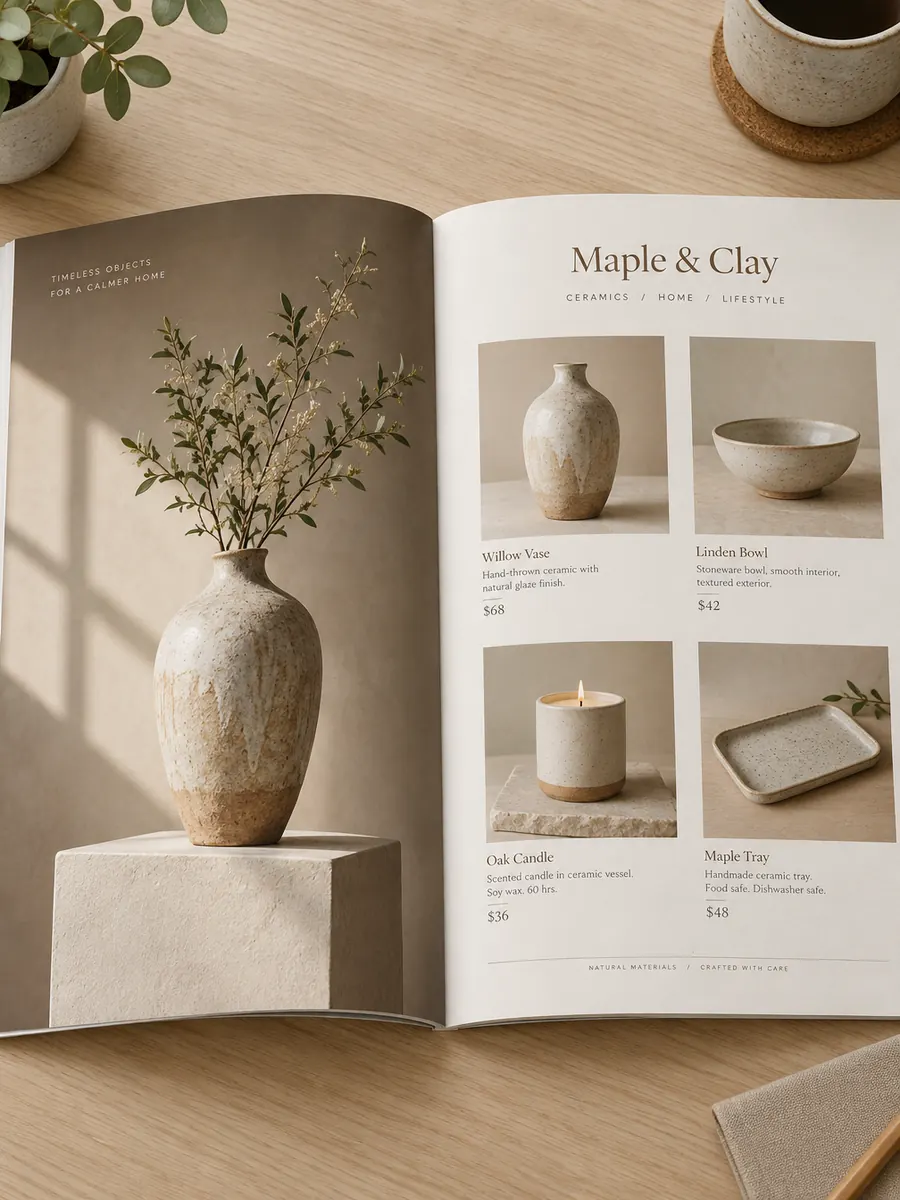 06 / CATALOGUES
Select your finished visuals, put the range together, and export a PDF catalogue.
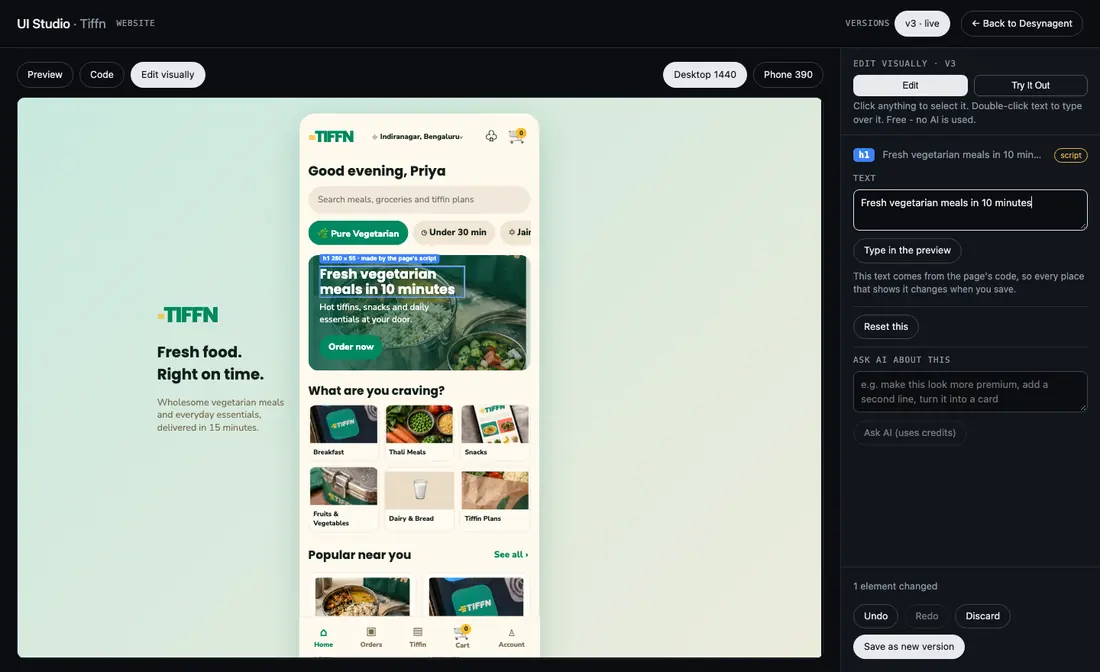
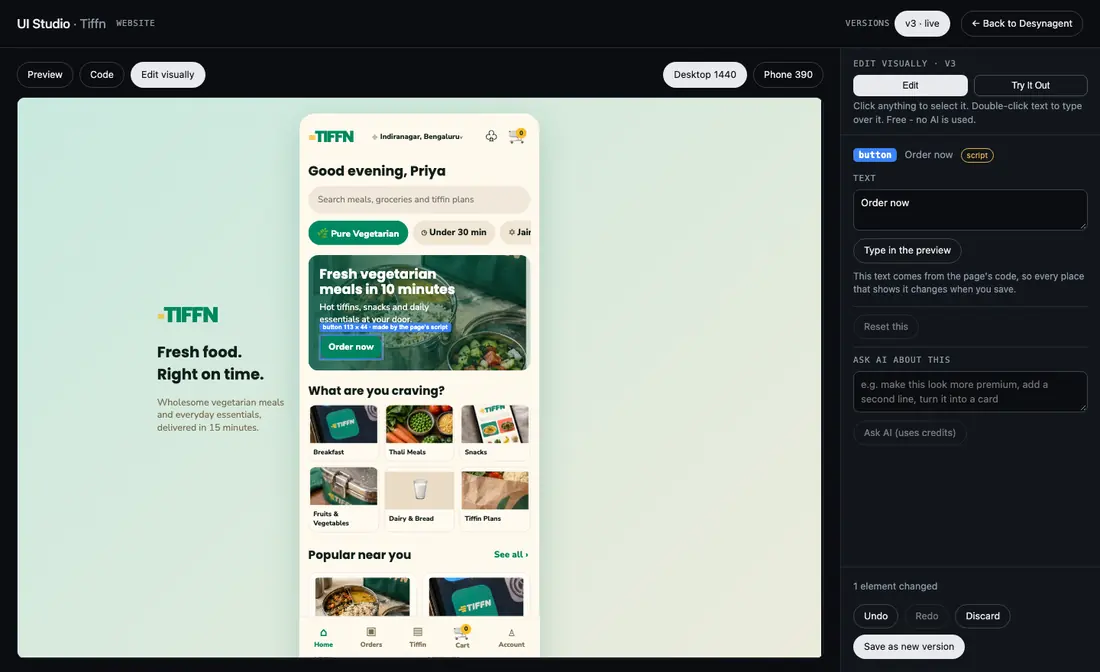
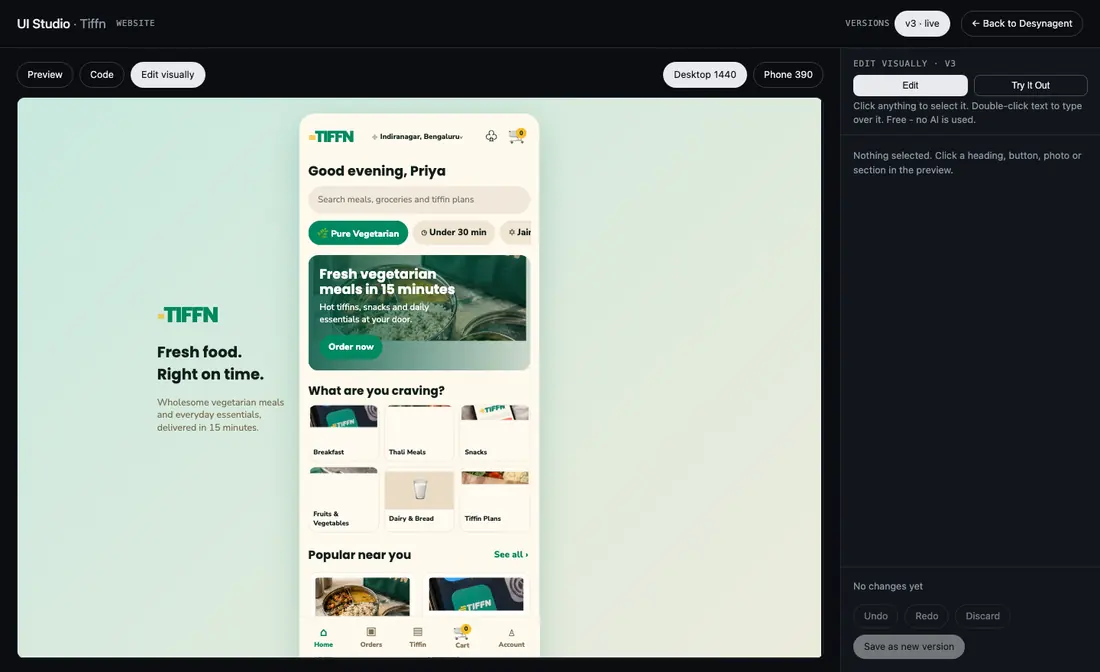
Open any page UI Studio built, click a heading, button or photo and change it right there. Type over the words, swap a colour or a picture. It is free, and no AI is used.
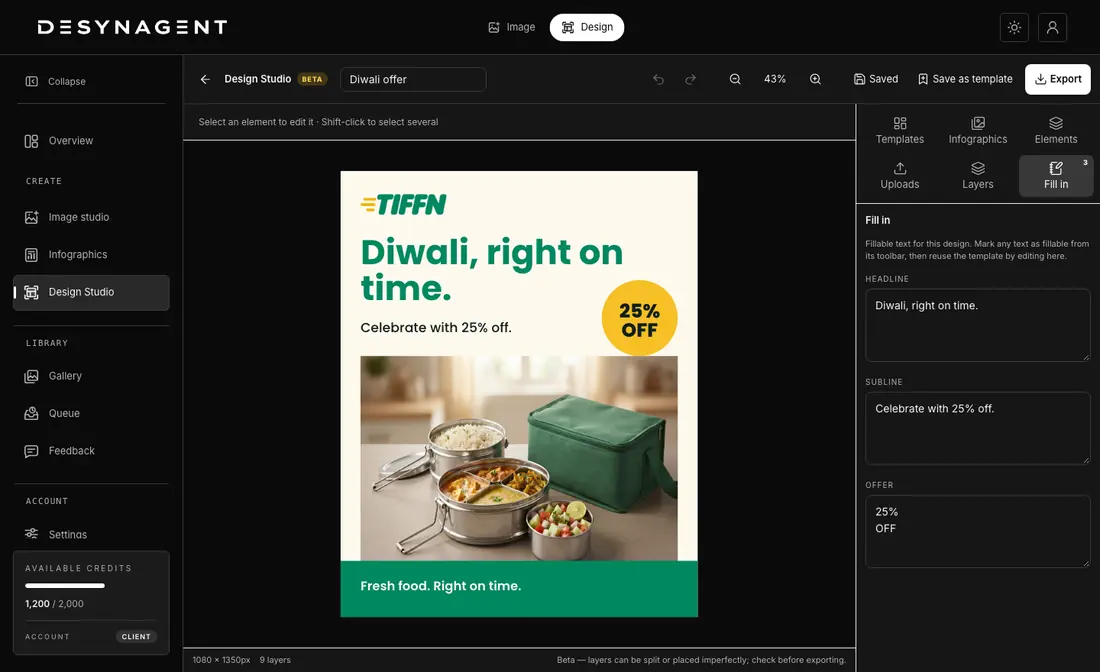
Open any visual in the editor: text, photos, shapes and logo are separate layers. Move them, reword them and export, or save the design as a template and refill it for the next offer.
Desynagent is a place to direct, make and organise the work, not just request an image. Start with a source, choose the direction, and keep the results together as the project grows.
Choose the product category, creative direction and image quality before you create. Start with one reference photo or prepare a batch when the range is larger.
Generate product imagery, create infographics from product details, and carry the same brand identity into concepts for websites and apps in Brand Studio.
See running generations in Queue, revisit completed visuals in Gallery, and select the images you want to bring together in a PDF catalogue. Export your brand book when the identity is ready.
DESYNAGENT / BEFORE & AFTER
Explore supplied examples of product references and their finished visuals. Scroll sideways to see them all.
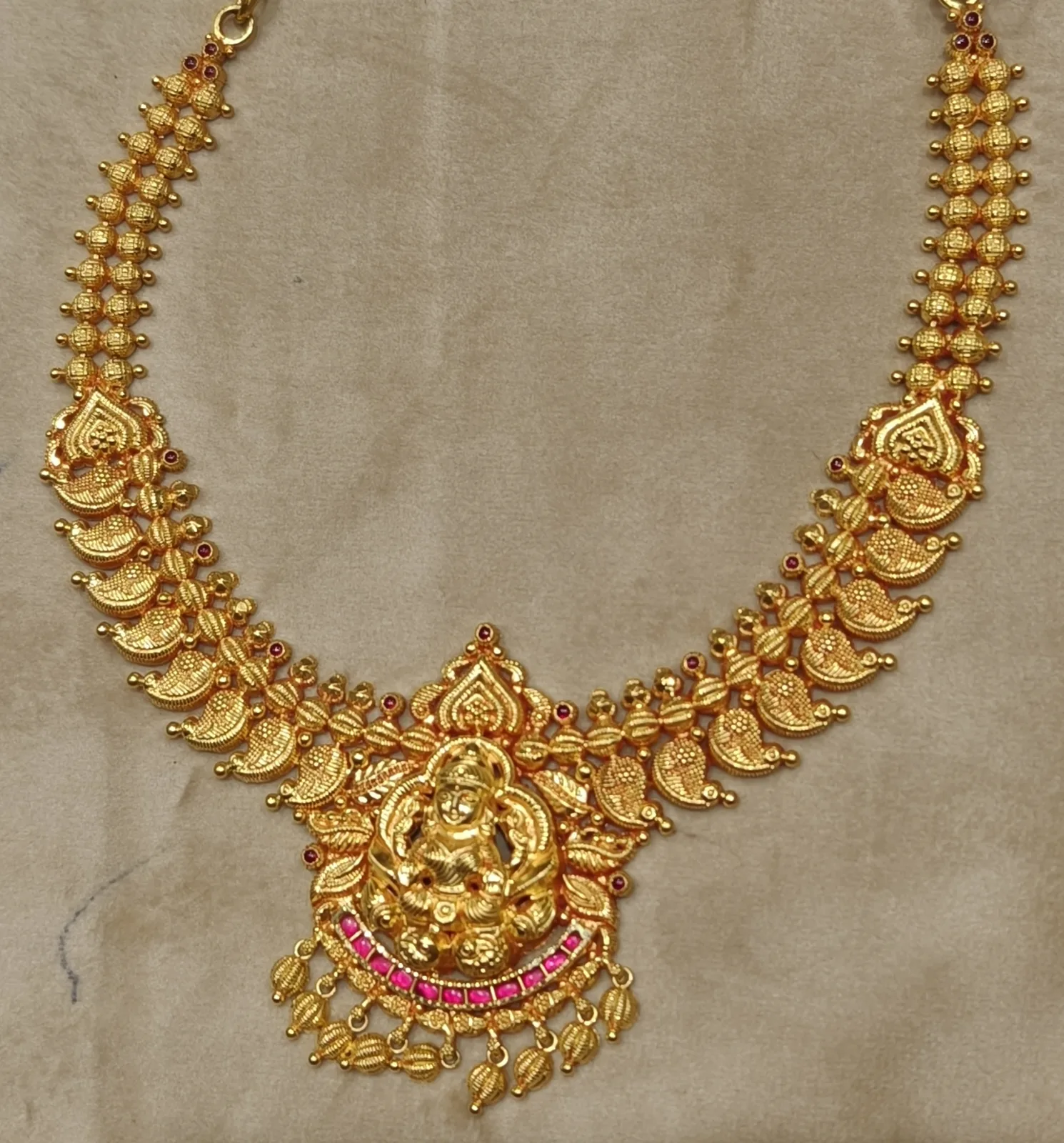

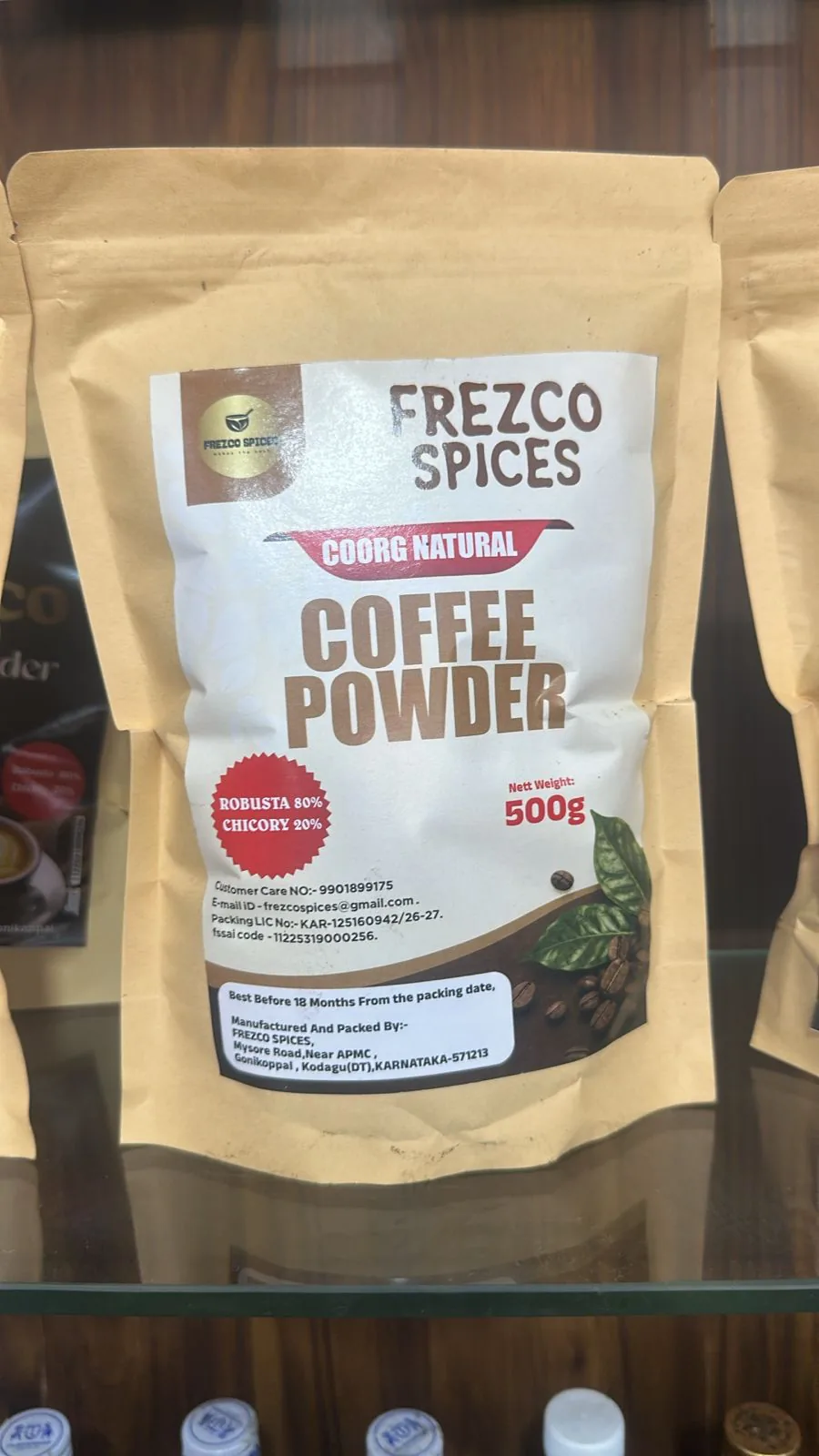
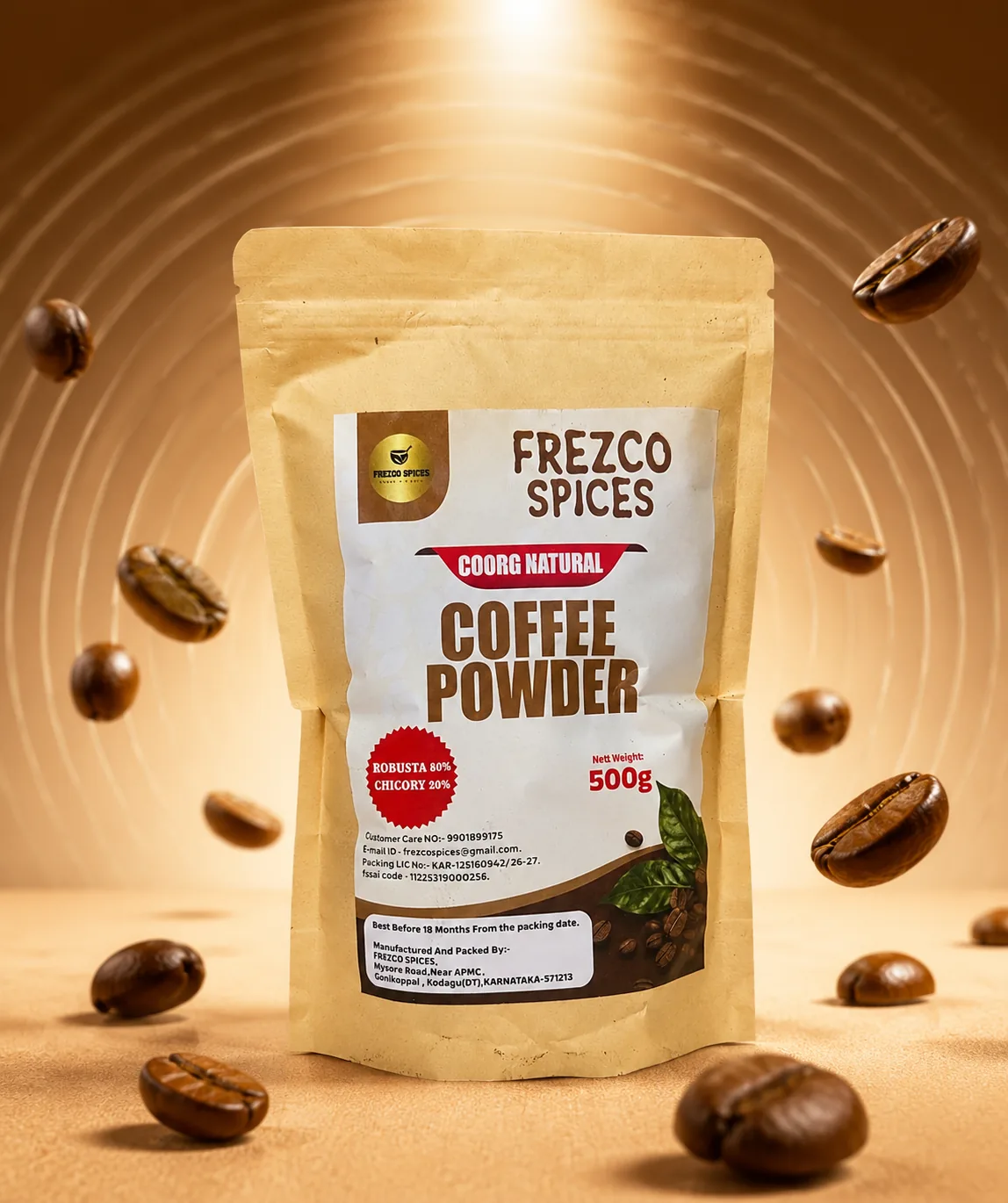
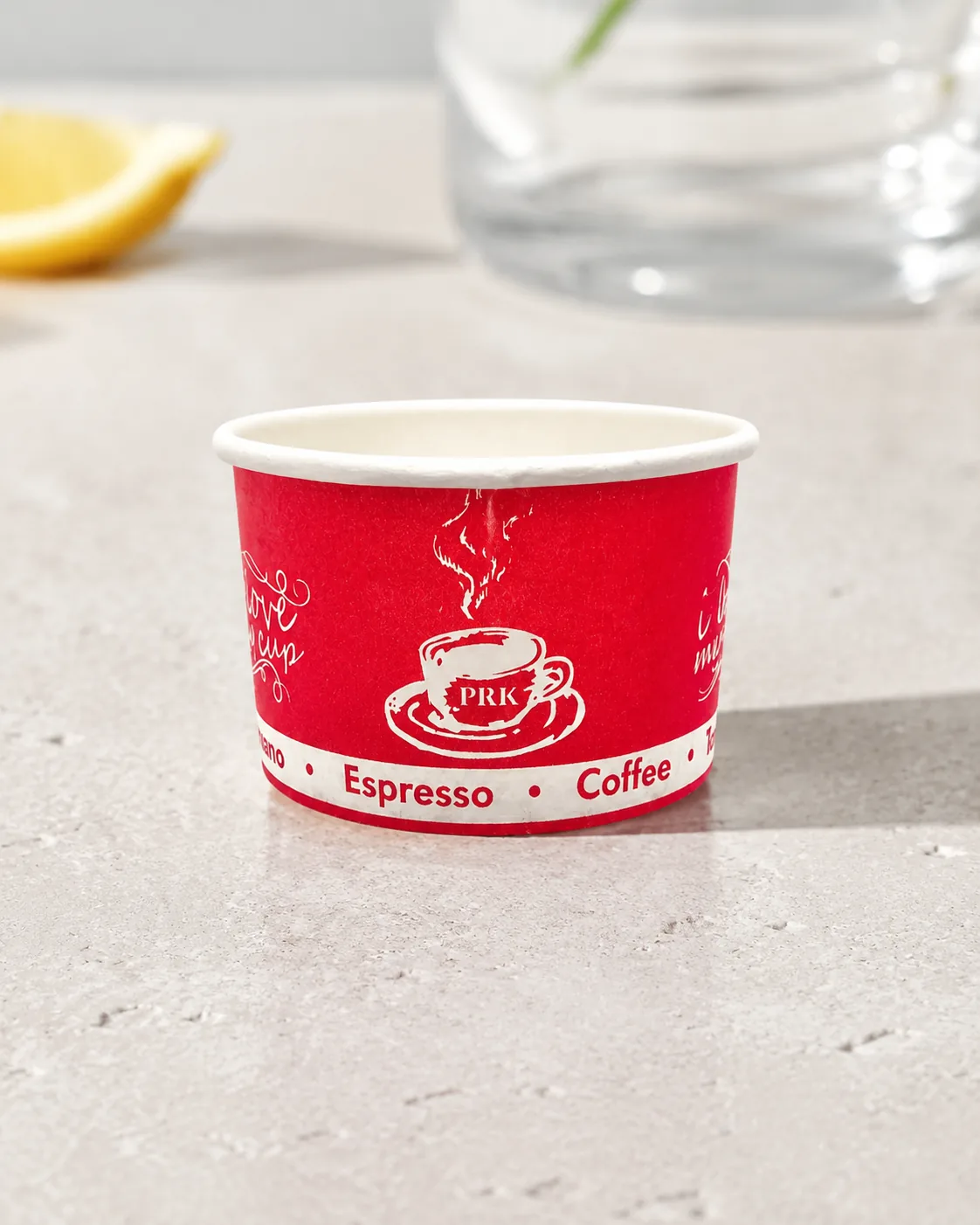
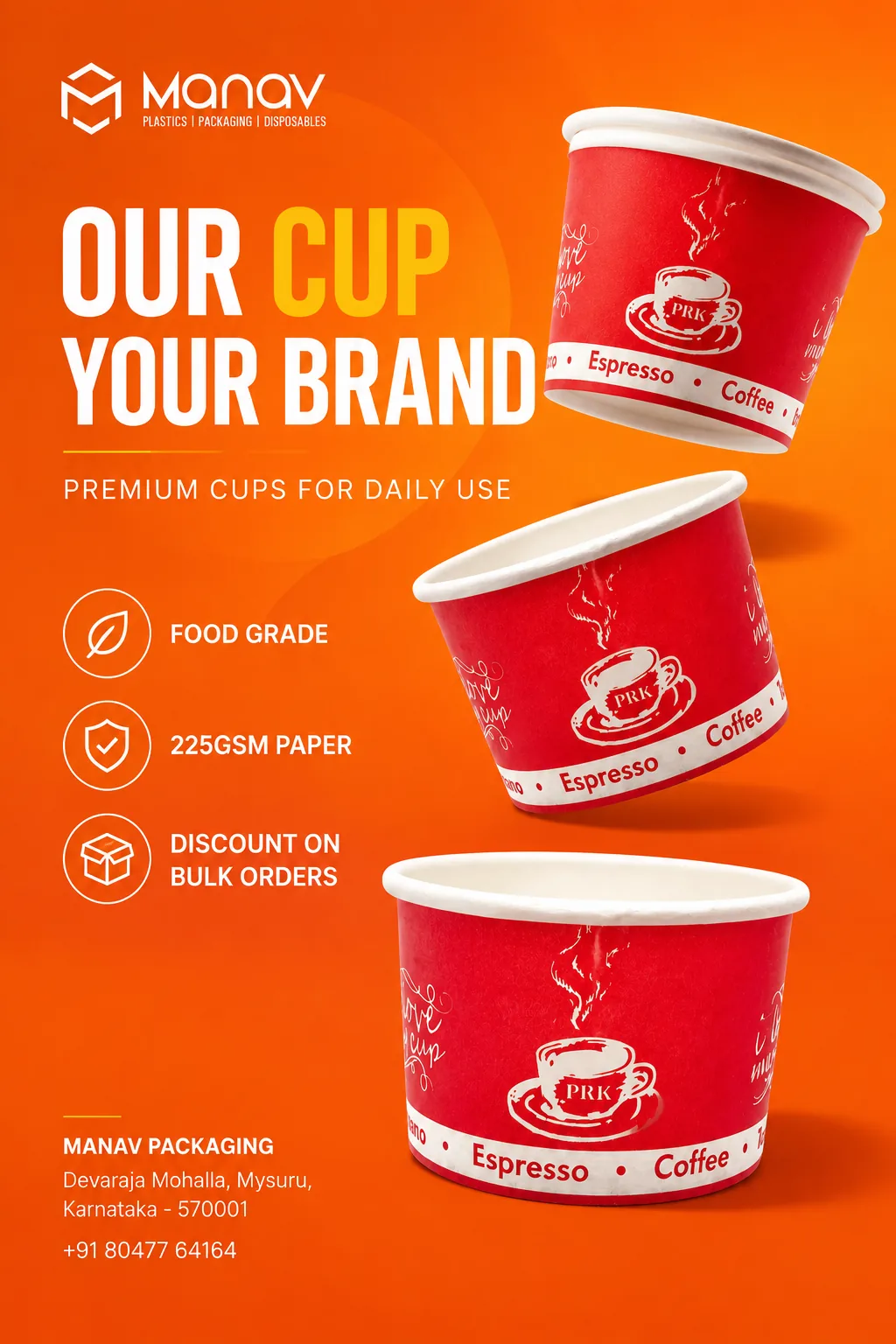
Supplied examples; results vary by product and creative direction.
Product visuals and infographics, made from a plain product photo and a brand direction. Swipe across for more.

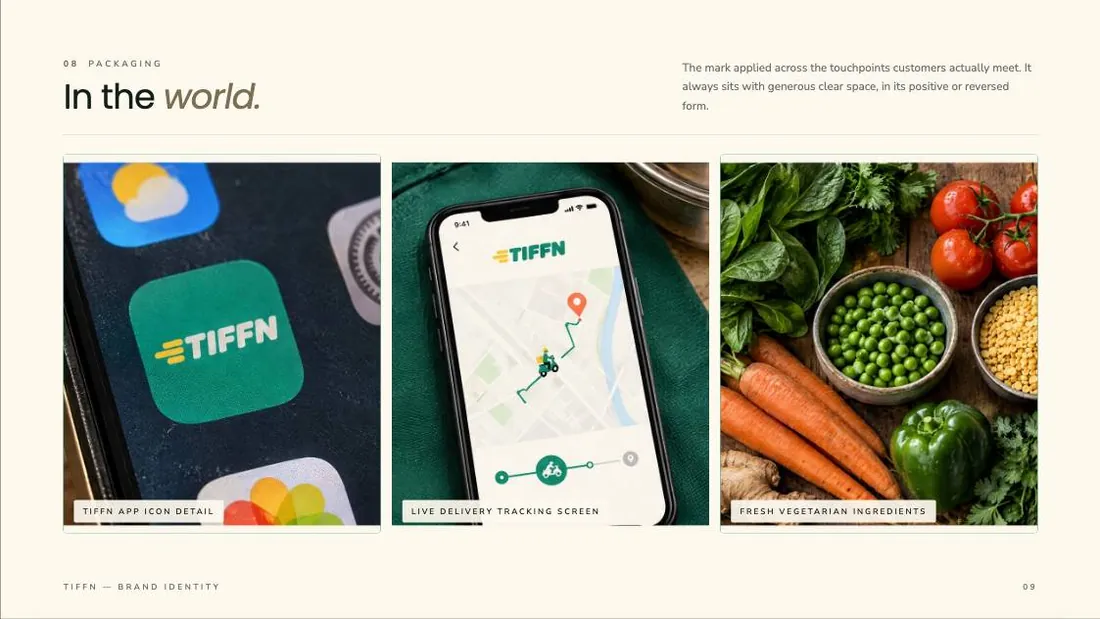
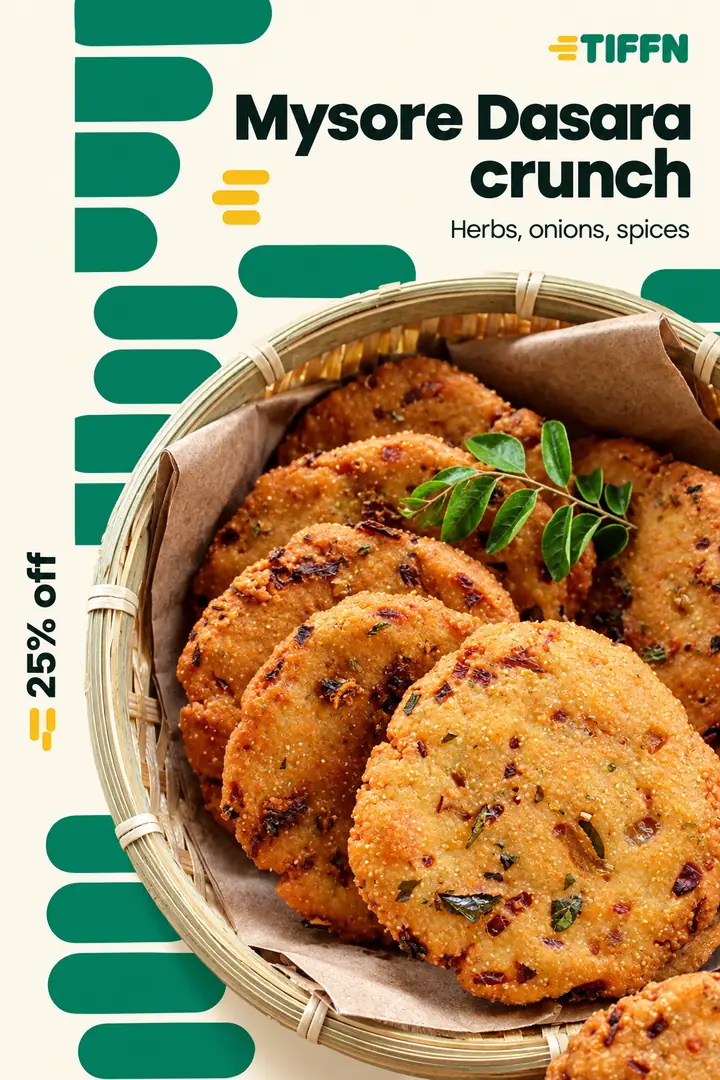
Same engine, their brand. Every graphic below was built from Tiffn's own logo, colours and typefaces, so it could only be Tiffn.
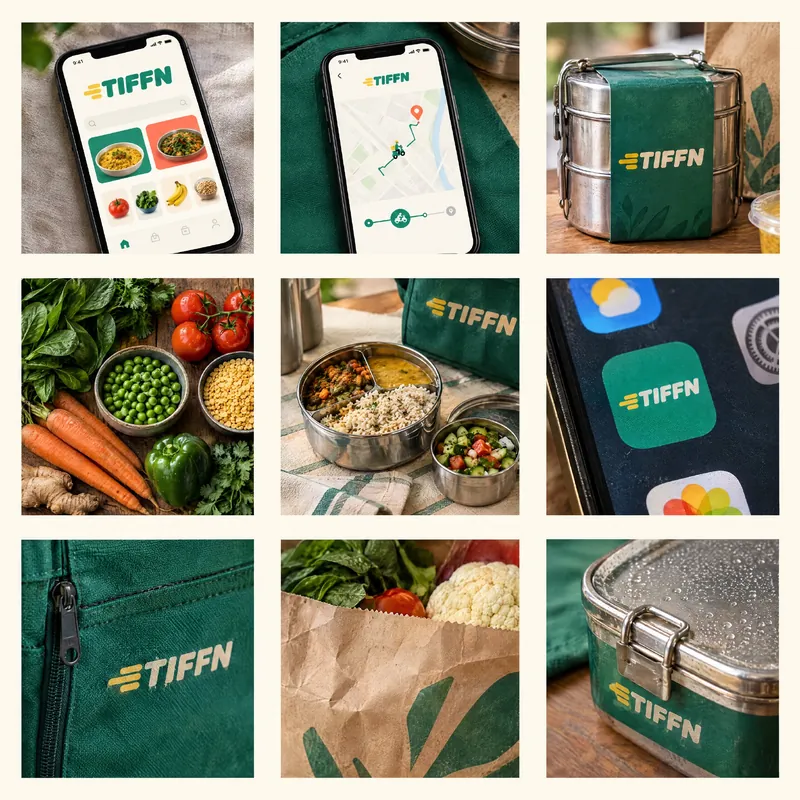



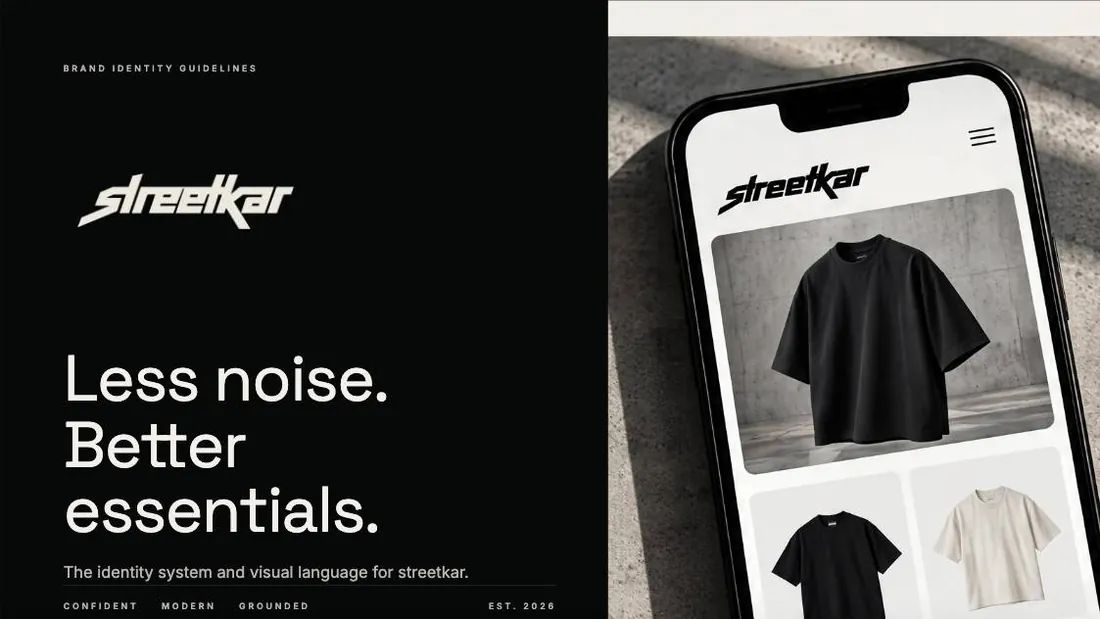
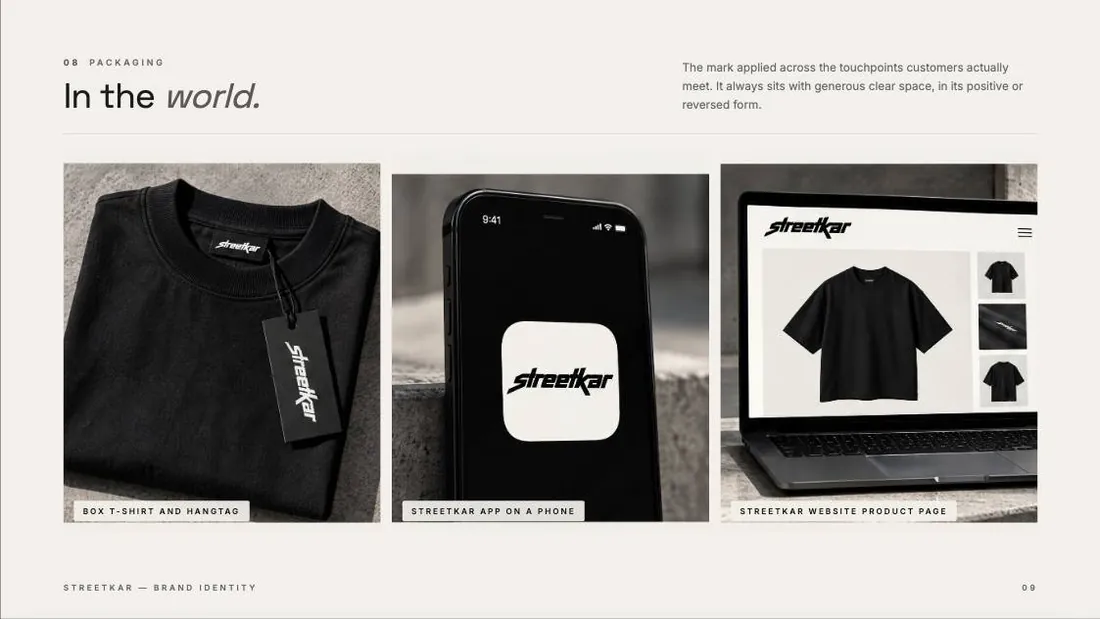
Same engine, their brand. Every graphic below was built from streetkar's own logo, colours and typefaces, so it could only be streetkar.
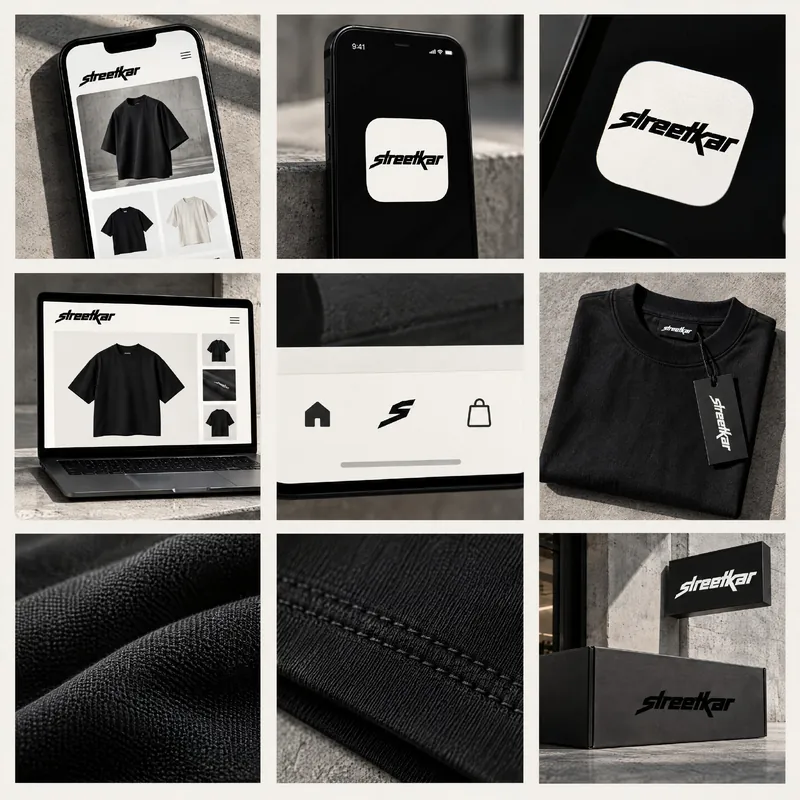
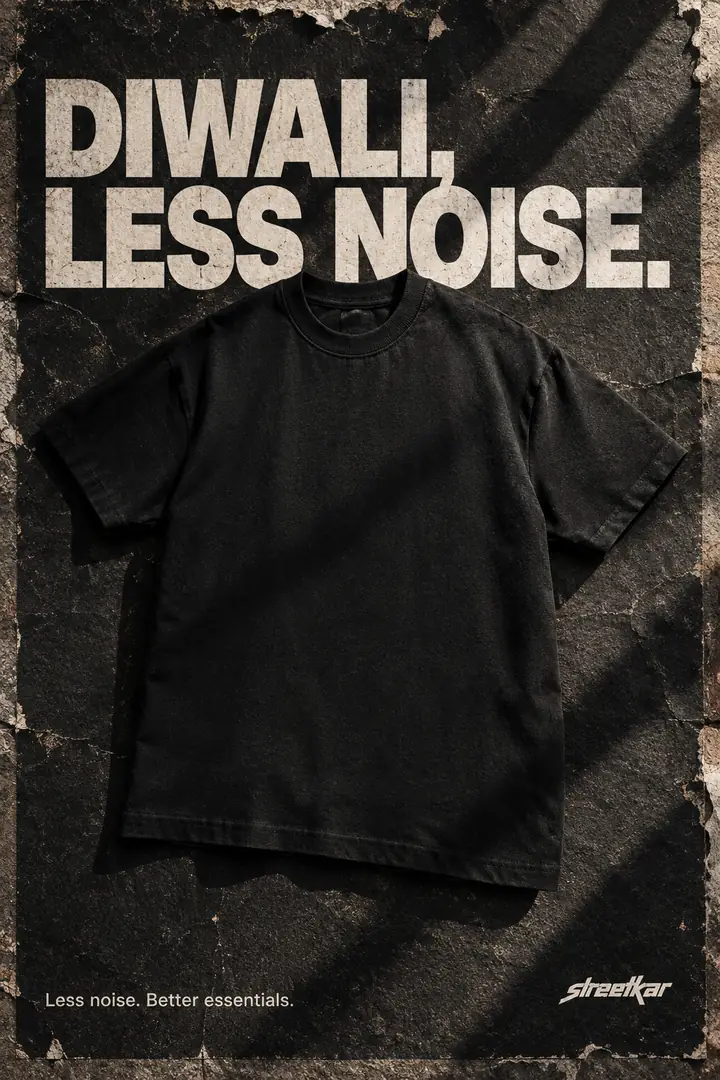
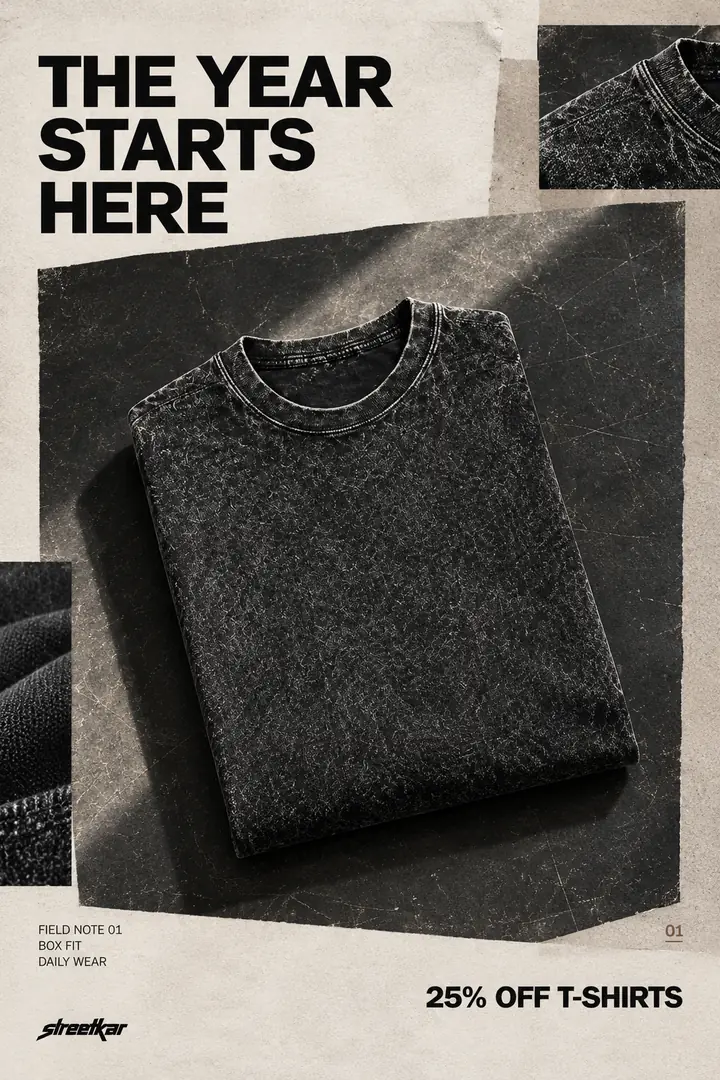
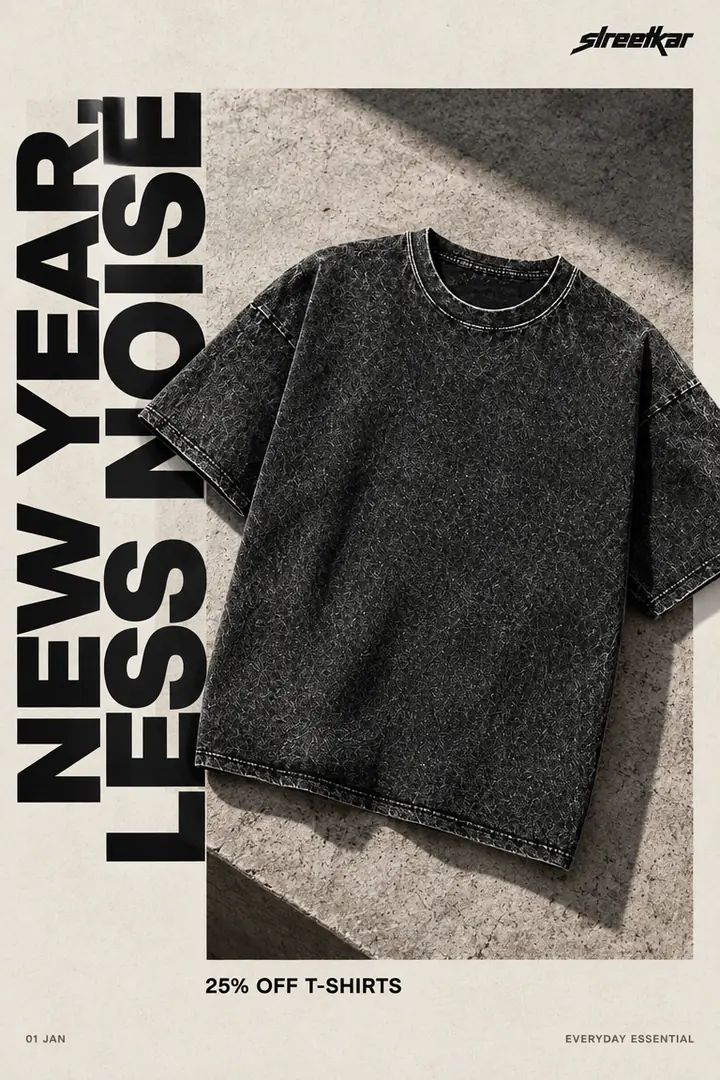
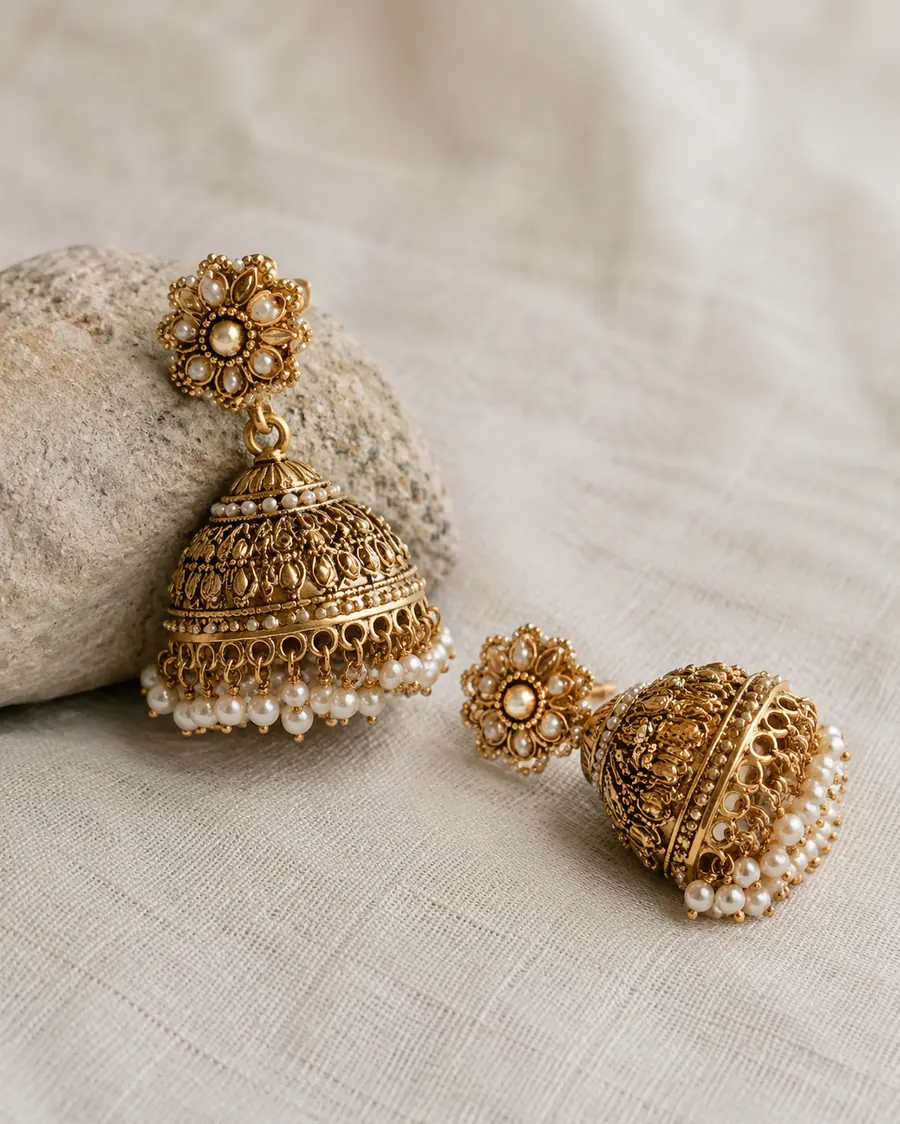

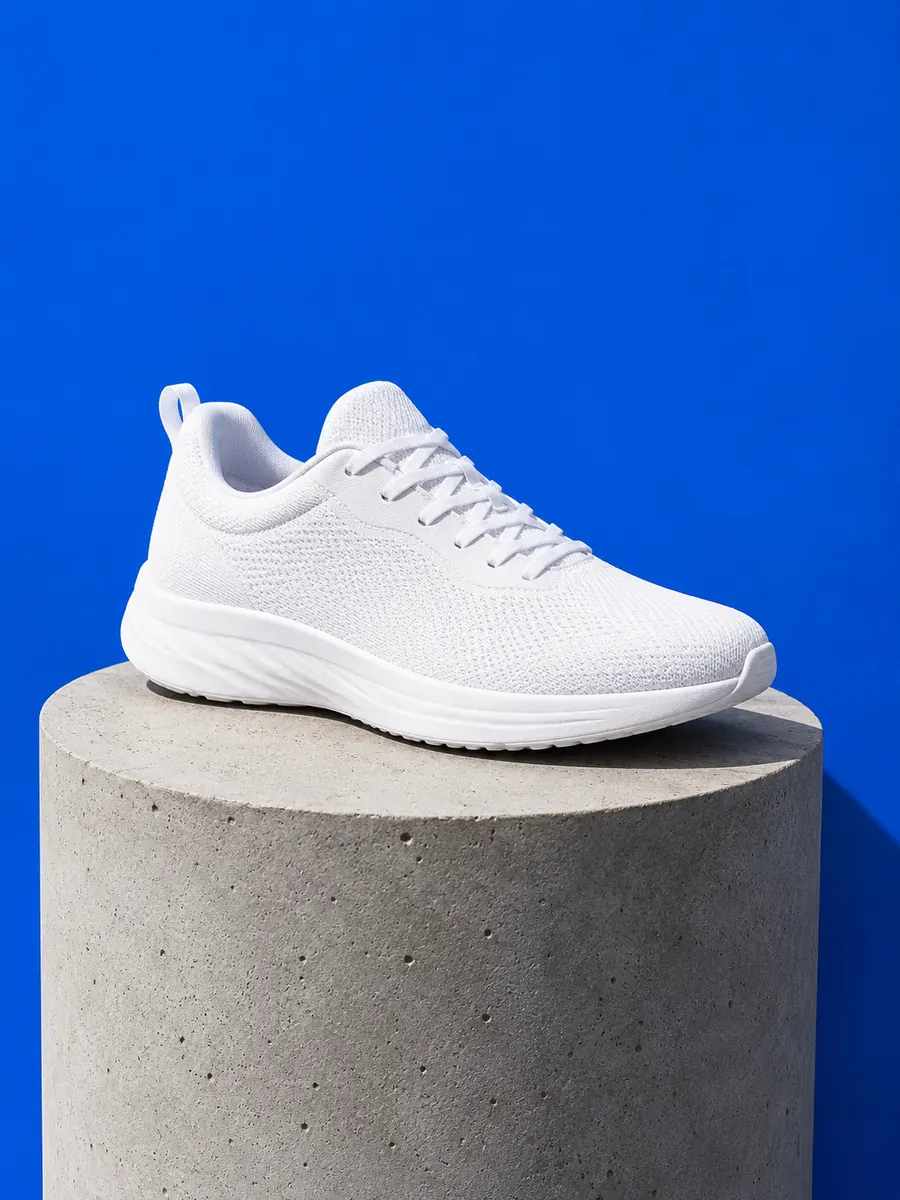

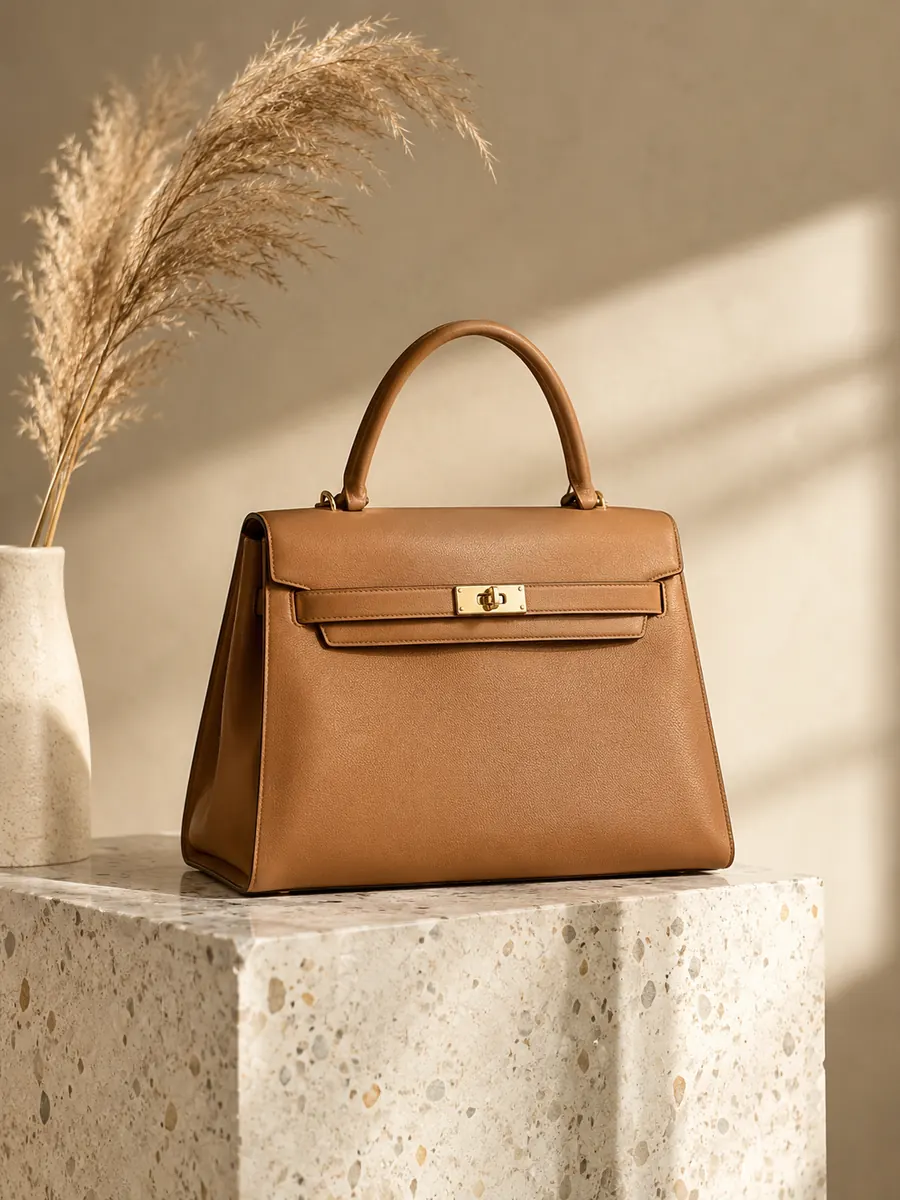

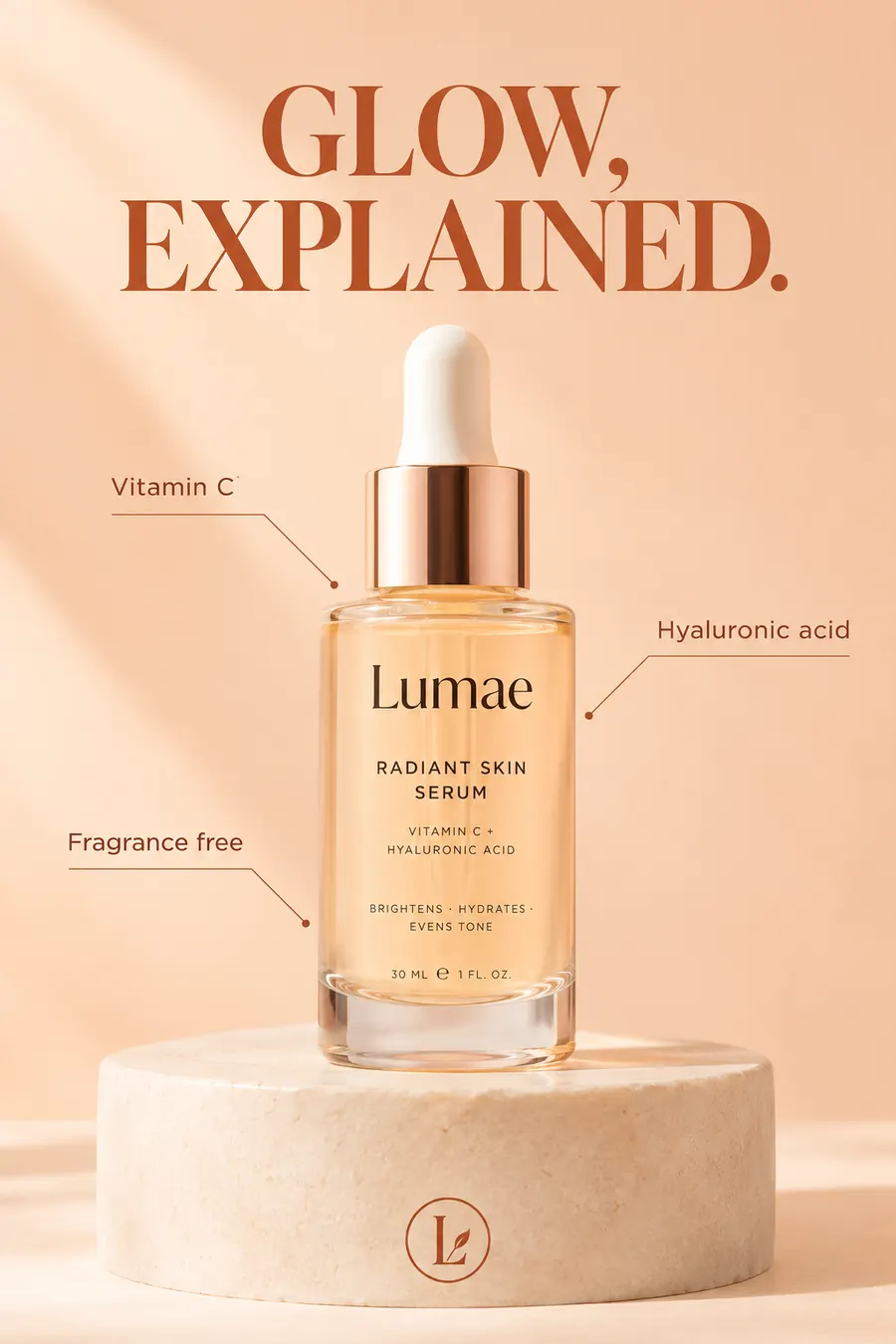
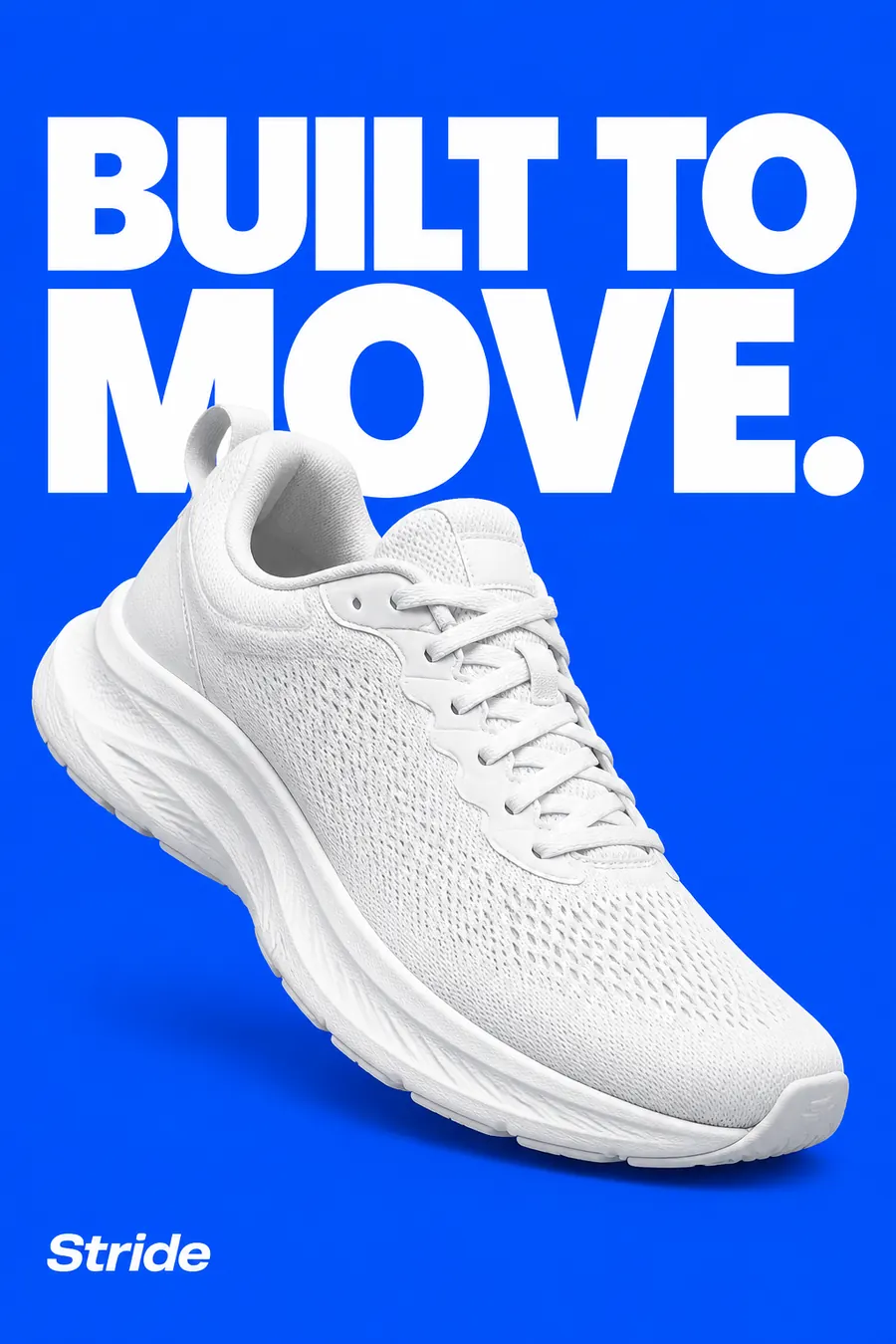
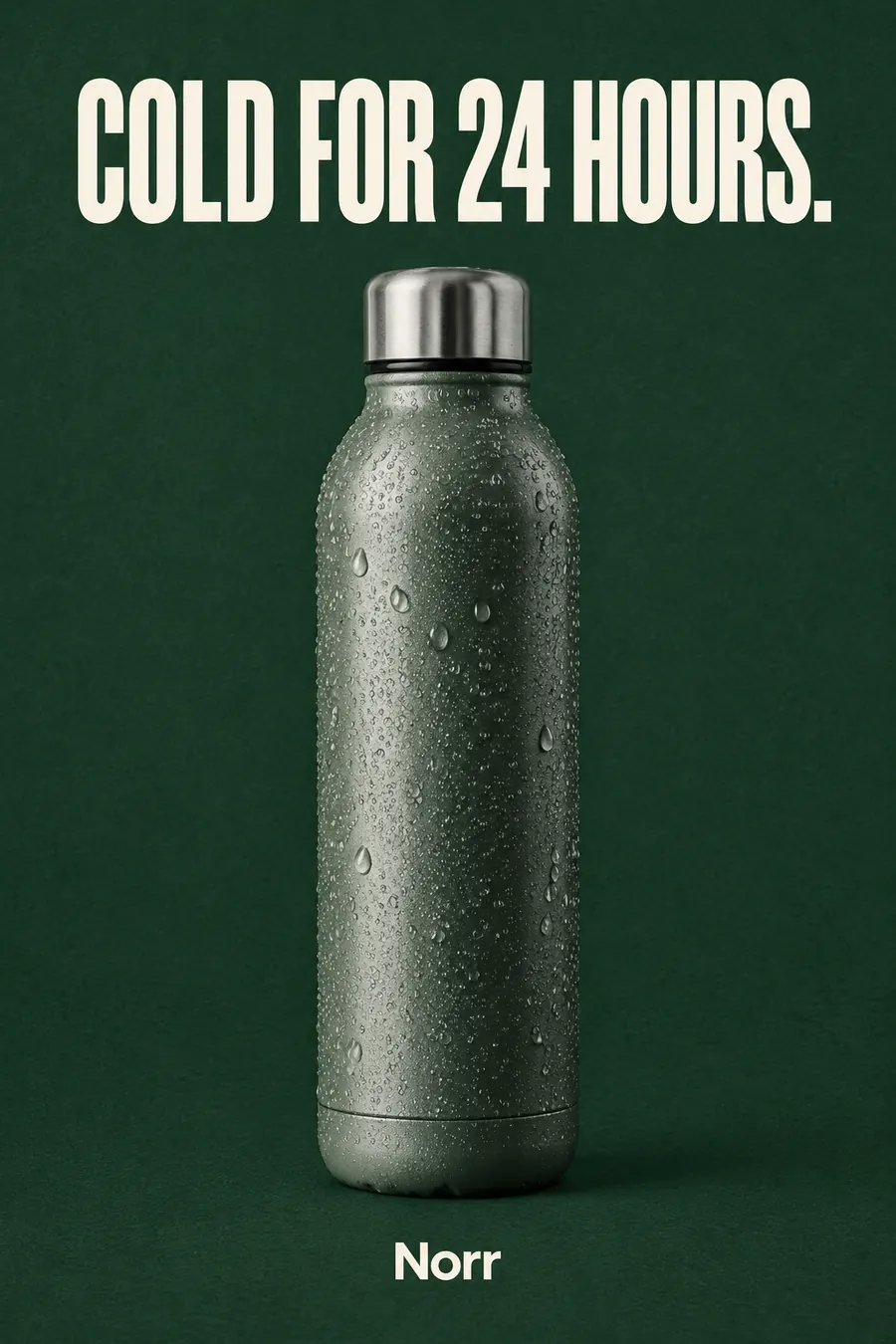

Illustrative samples made with Desynagent for fictional brands. Results vary by product and creative direction.
Keep the identity, the making, and the final selection connected instead of starting from scratch for each new piece of work.
Create an identity in Brand Studio or begin with your existing logo. Shape the moodboard, palette and guidelines.
Move from product imagery and infographics to catalogues and website or app concepts, using the same brand direction.
Choose a logo direction, approve screens, curate finished visuals and keep control of the work that goes out.
Desynagent is in development. Access and capabilities can vary by workspace role.
Desynagent is an AI design agent for brands by Destiv AI. Build a new identity in Brand Studio or bring an existing brand, then create product images, branded infographics, catalogues and digital experiences from the same Brand Data.
Start with a brief or an existing logo. Explore directions, choose a concept, and develop your logo, moodboard, colour palette, typography and brand guidelines. Website and app concepts can be reviewed and developed into prototypes. You approve the creative direction.
Destimage’s product-image, infographic and catalogue production is now part of Desynagent. Desynagent adds the broader brand and creative workspace; destimage.in is its official website.
The full product name is Desynagent. It is Destiv AI’s brand-focused creative agent workspace, not a general-purpose design service or a different product with a similar name.
The public connection diagram is a proposed architecture, not a live sync or availability claim. A brand can start independently in Brand Studio and later publish its approved identity. BRAND.md and DESIGN.md exports are rolling out; workflows are coming next.
Already have access? Sign in